Guests see the dish. Then they order more.
Real dishes as interactive 3D, placed on the guest's own table — in the browser, no app. Just a QR code.
Free setup · From 300 ₾ / month

Watch a dish land on the table.
A flat menu leaves guests guessing.
A photo flattens a dish — guests can't judge portion or presentation, so they play it safe and order less. A QR menu lists names and prices, then stops.
A menu guests can see.
The same menu, twice.
On the left, what your guest sees today. On the right, what they see with BetaReal.In the first image, what your guest sees today. In the second, what they see with BetaReal.
Names and prices. The guest still has to guess.
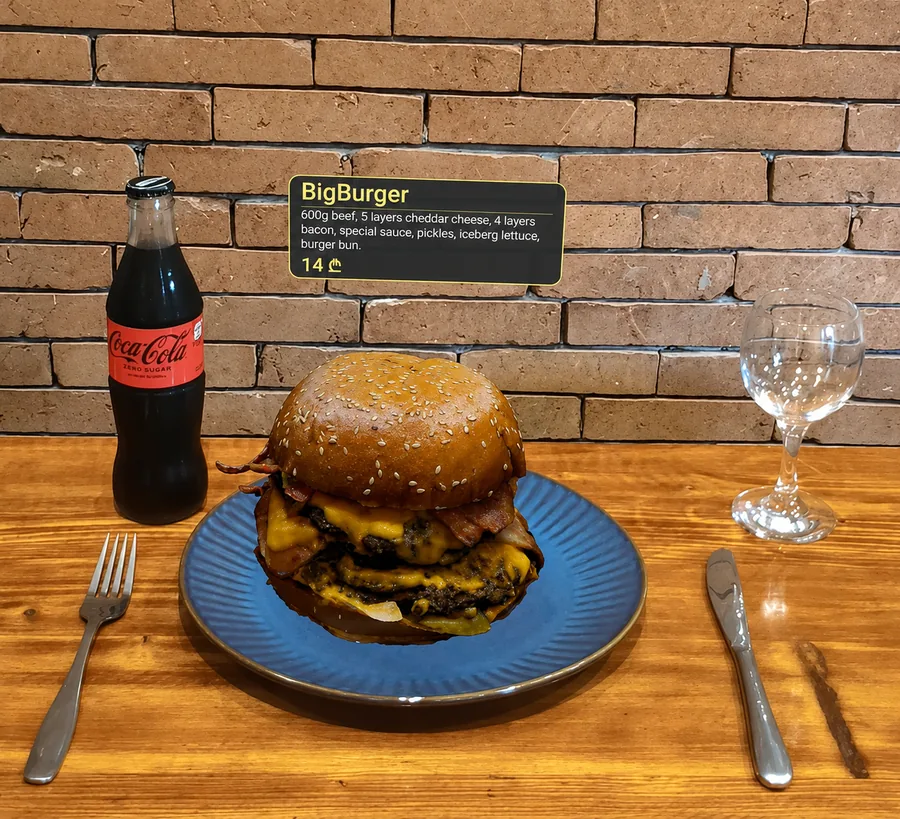
The real dish, at true size, on their own table.
Scan. Inspect in 3D. Place it on your table.
No download. It runs in the browser the guest already has open.
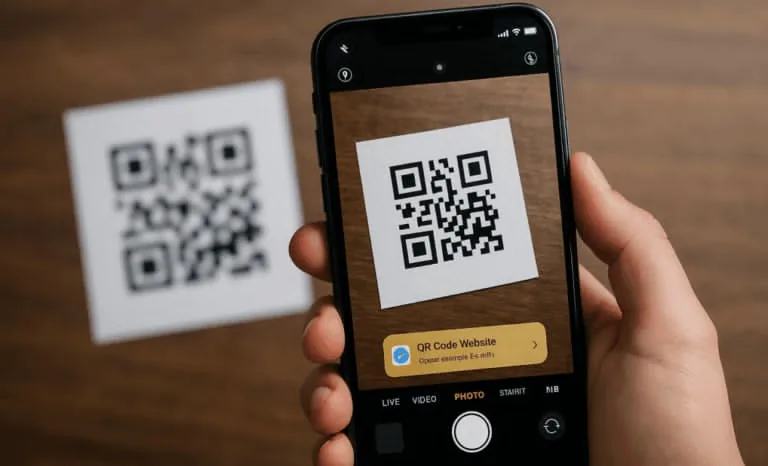
Scan the QR code
A code on the table opens the menu instantly — categories, prices, and a live 3D thumbnail of every dish. Nothing to install.
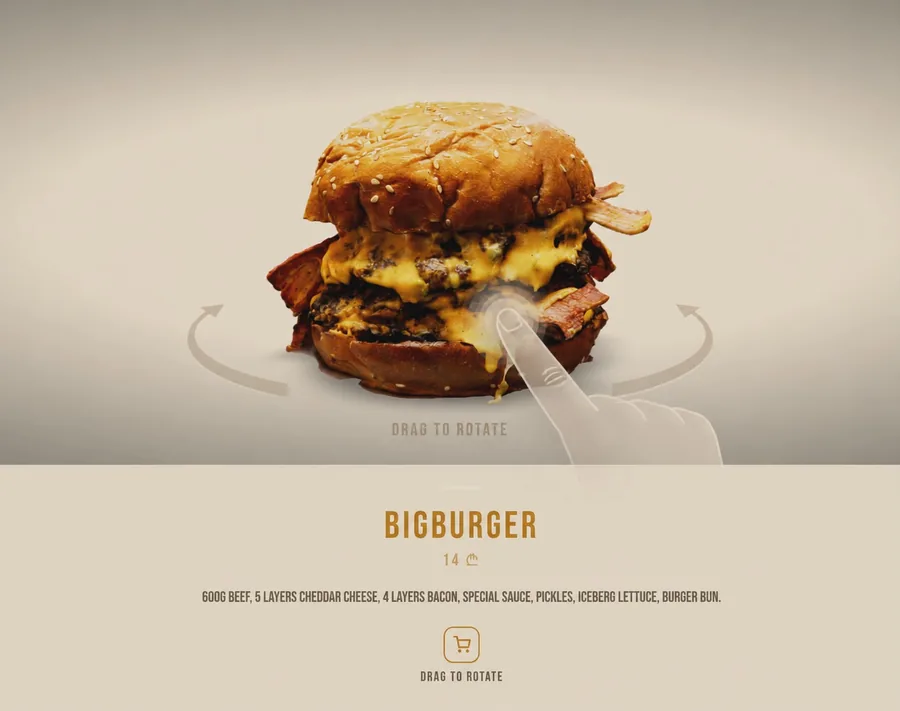
Inspect in 3D
Tap any dish to rotate and zoom a photoreal model. See the real layering and presentation.
Place it on your table
Tap "View on table" and the dish appears at true size on the real table. Works on any iPhone or Android.
Every kind of guest orders with more confidence.
One menu, very different guests. Each is a reason an order gets bigger — or happens at all.
"How big is it, really?"
Can't judge size or whether it's enough from a flat photo — the #1 problem in our survey. Sees true-to-life scale on their own table in AR.
Knows the classics by heart
Always orders the same two things. The 3D menu surfaces dishes they've scrolled past for months and finally makes them look worth trying.
New country, unfamiliar cuisine
Doesn't recognize a single dish on the menu. Sees it in 3D and placed on the table — understanding exactly what arrives, past any language barrier.
We handle the tech. You control your menu.
We scan, build, host, and maintain it. You manage your menu, prices, and branding from an admin panel — with analytics.
Interactive 3D + AR
Rotate and zoom every dish, then place it on the real table. Android WebXR carousel + iOS ARKit Quick Look, no app install.
Your own admin panel
Change dishes, prices and descriptions yourself — edits go live instantly. No developer, no support ticket, no reprinting menus.
White-label theming
Day/night palettes, Google Fonts, and branding so each restaurant's menu matches its own identity.
Every model is a real dish.
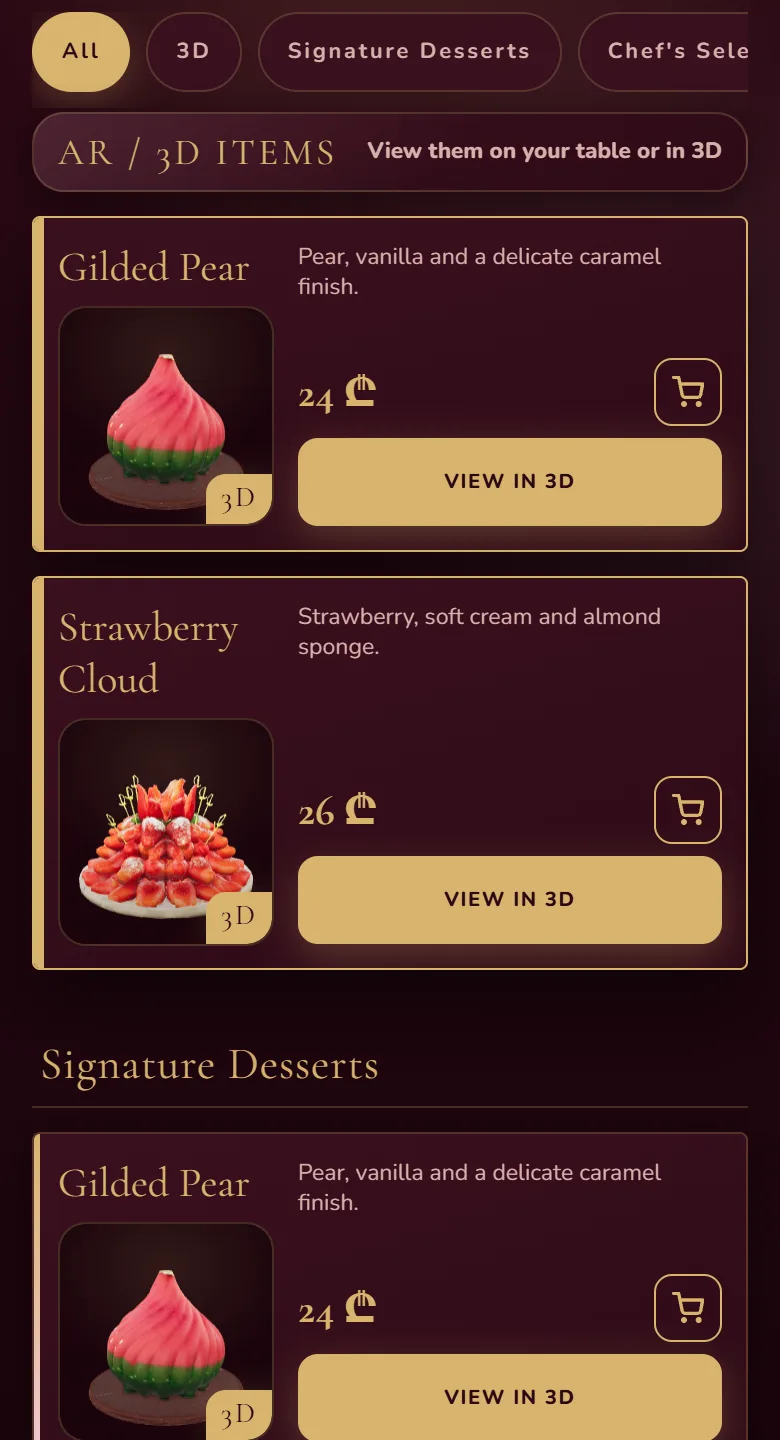
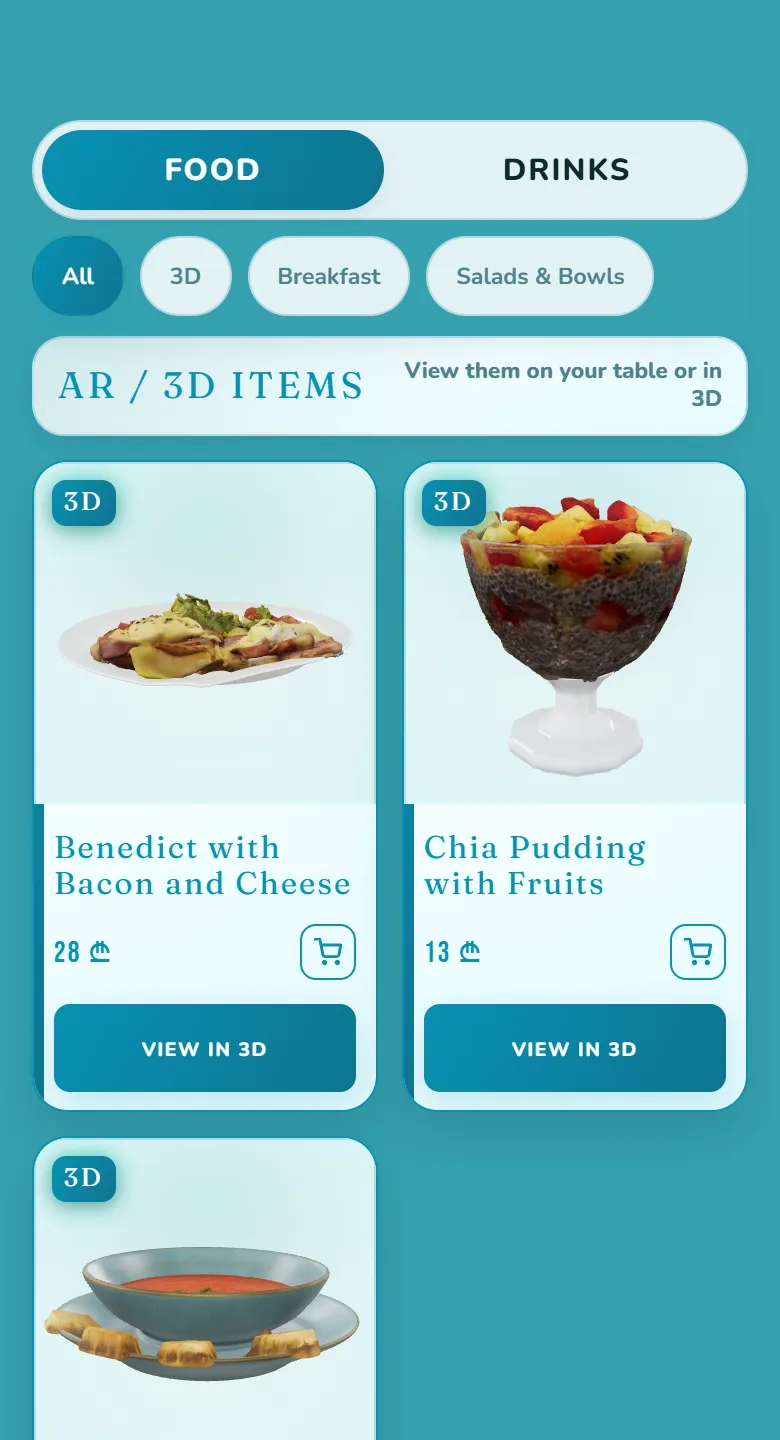
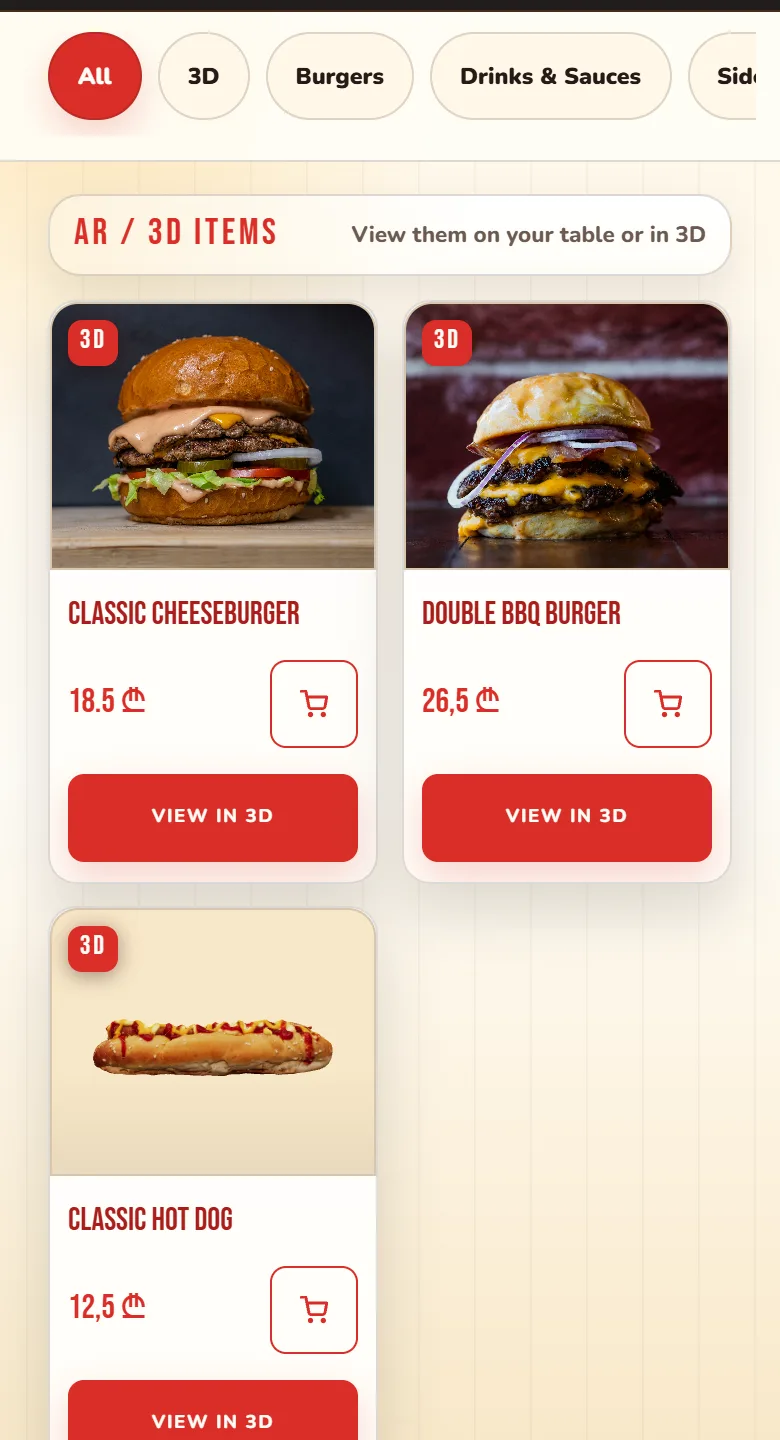
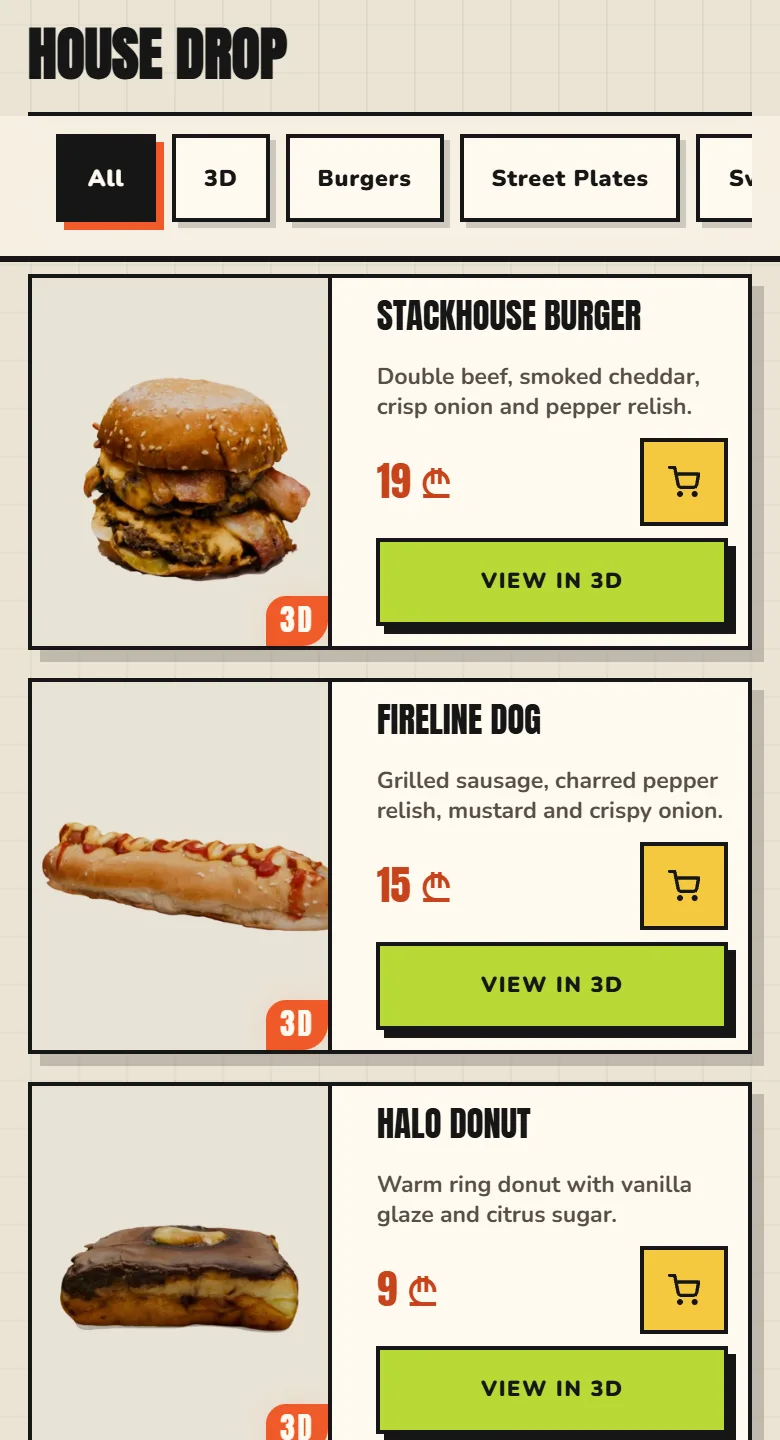
Drag any model below — rotate, zoom, see it from every angle.
A menu that already looks like your place.
These are live, working menus — not pictures of menus. Open one on your phone and use it exactly the way your guests would.
What the diners told us.
Early signal from a bilingual diner survey — and a product you can try right now.
4.4 / 5
average rating for the "view on table" AR experience — 84% gave it 4–5★.
86%
said seeing the dish in 3D made them more likely to order than a photo (45% "significantly").
96%
said it would change how they order vs a normal QR menu — 59% would try dishes they normally wouldn't.
From the first meeting to live on your tables.
Five steps. We do all of them — you approve each one.
We come to your restaurant with a menu already designed for it — your name, your branding, your dishes. Not a template, and not a slideshow.
We go through your menu and pick the 5 dishes worth scanning — the ones where seeing it is what changes the order.
We book a time that suits your kitchen and photograph those dishes at your restaurant. Your service keeps running.
We walk you through the finished menu. Anything you want changed — a price, a photo, an order — we change before it goes live.
We hand over QR stickers for every table and your menu goes live. This is where the monthly plan starts — not before.
We build it all. You pay only to keep it.
Setup, scanning, the website and your table stickers cost nothing. The monthly plan starts once your menu is live and you want to keep it.
Setup
- 5 dishes scanned into 3DThe dishes you choose — shot at your restaurant, modeled, and placed on the guest's own table. Works on any phone.
- Your full menu website, built and brandedYour branding and colours, in Georgian and English.
- QR stickers for every tableDesigned to get guests scanning without staff prompting.
- A consult on which dishes to featureA 30-minute consult to pick the 5 dishes whose appearance changes the order.
Then, monthly
- Hosting and maintenanceWe host and maintain your menu — always fast and online.
- Self-service admin panelChange prices, descriptions, and visibility yourself — no developer, no support ticket, no reprints.
- Analytics dashboardSee which dishes guests viewed, for how long, and how your order mix shifts — before and after.
- No contract — cancel any month
Why do we build it for free? We take the whole build on ourselves. If you're not happy with your menu, you won't keep it — so you won't pay.
Questions owners ask us.
What does the setup cost?
Do my guests need to download an app?
Does it work on iPhone?
How long does it take to set up?
What happens after setup?
Let's put your dishes on the table.
We build your menu first — free. Message us and we'll come to you with it, designed for your restaurant. Prefer to talk it through first? Book a free consultation and we'll answer every question.